 Queberry
Every minute that a customer gets frustrated and walks away is a minute that your service center loses the trust of the customer and also loses money. This can happen anywhere — a bank in Dubai, a clinic in Riyadh, a store in London or Mumbai — where the customer has to wait too long or the staff is not enough. These bad experiences add up quietly until you see the results in customer satisfaction scores, bad reviews, and customers who do not come back.
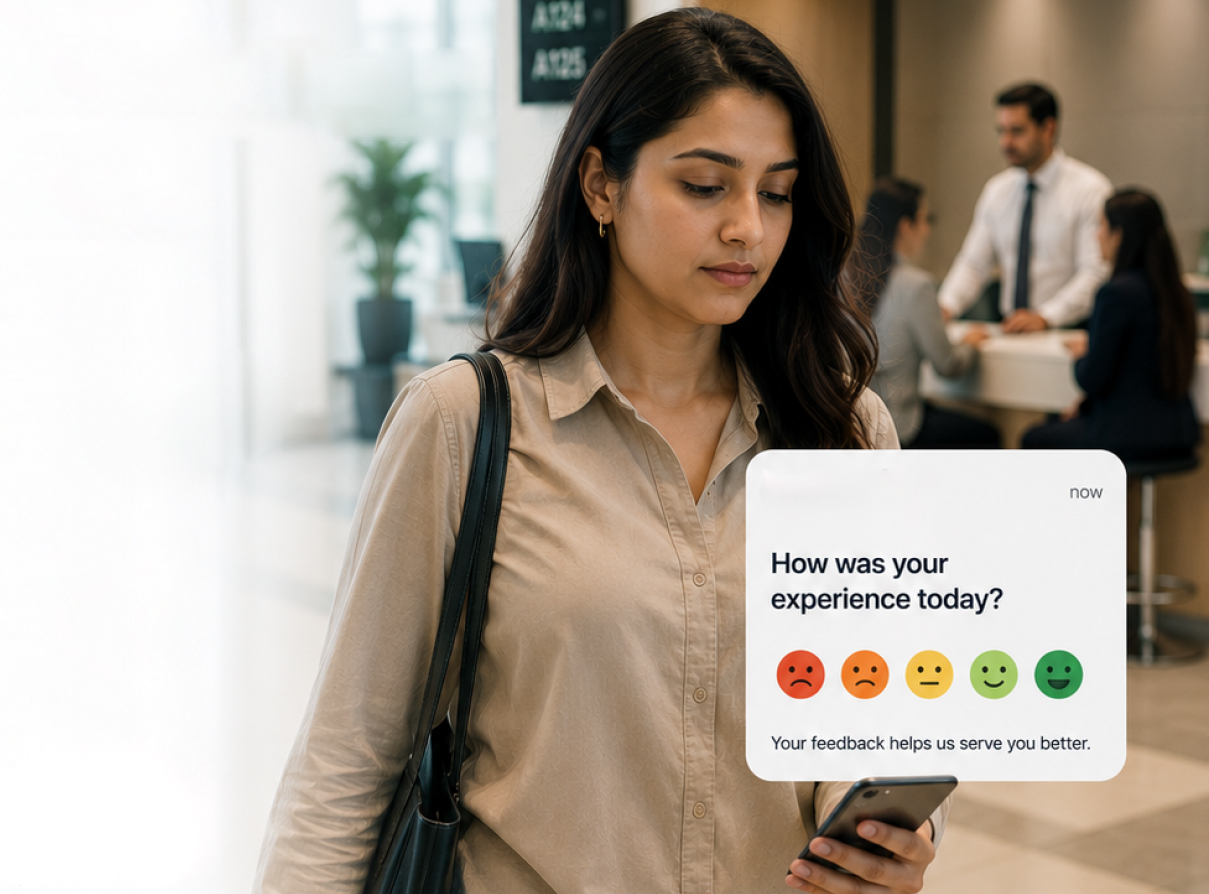
The way to fix this problem is not to guess what is wrong. Instead you need to get feedback from the customers at the moment they have an experience. This feedback should go to the right people right away and they should act on it before the customer even leaves the place.
This guide will show you how service centers in the UAE, Saudi Arabia, the UK, and India are using Queberry's system to manage queues — including WhatsApp queuing, digital signs, and QUINN AI — to get feedback from customers in time and turn them into loyal advocates of the service center.
What You'll Learn in This Guide
- Chapter 1: Why Real-Time Feedback Is a Competitive Advantage
- Chapter 2: Channels to Collect Feedback Instantly
- Chapter 3: The Technology Stack That Makes Real-Time Action Possible
- Chapter 4: How to Act on Feedback in Real Time
- Chapter 5: Best Practices for Higher Response Rates and Better Outcomes
- Chapter 6: Overcoming Common Challenges
- Chapter 7: Quick Implementation Checklist
- Chapter 8: Conclusion
Why Real-Time Feedback Is a Competitive Advantage
Collecting feedback a week after a visit is a postmortem. Real-time feedback is prevention.
Here's why it matters for service centers operating at scale:
Channels to Collect Feedback Instantly
The Technology Stack That Makes Real-Time Action Possible
| Component | What It Does | Why It Matters |
|---|---|---|
| Queue management platform | Orchestrates customer flow and links visits to feedback | Provides context for every response |
| WhatsApp queuing | Sends queue updates and surveys via WhatsApp | High open and response rates |
| Digital signage | Displays wait times and prompts for feedback | Reduces perceived wait and encourages participation |
| QUINN AI | Analyzes text and voice sentiment; triggers alerts | Detects urgent issues and predicts dissatisfaction before escalation |
| CRM integration | Logs feedback against customer records | Enables personalized follow-up and trend reporting |
Queberry unifies all of these components so feedback never sits in a silo — it flows into a single real-time dashboard for immediate action across every branch and region.
How to Act on Feedback in Real Time
Best Practices for Higher Response Rates and Better Outcomes
Make surveys as short as possible
One to three questions are ideal to maximize responses.
Time your survey request right
Send out the survey right after the service or when the customer is at the location.
Provide several contact options
Allow feedback through WhatsApp, SMS, kiosks, or mobile apps — different generations respond better to different options.
Inform them about usage
Explain how their feedback will be used, and make clear how fast they will receive a response.
Use local languages
For the UAE and Saudi Arabia, use Arabic. For India, use Hindi and English. For the UK, use English.
Overcoming Common Challenges
| Challenge | Solution |
|---|---|
| Low participation | Deploy WhatsApp surveys and in-branch kiosks with single-tap responses |
| Data fragmentation | Centralize all feedback into the Queberry dashboard and CRM |
| Staff resistance | Train teams on quick recovery scripts and reward successful service recoveries |
| Integration complexity | Choose a vendor with native integrations for WhatsApp, digital signage, and CRM — Queberry is built for this |
Quick Implementation Checklist
Conclusion
Customer feedback in real time cannot be seen as a feature that adds value. Instead, it should be regarded as a critical component of all organizations whose aim is to retain customers and build a good name. The process of collecting such information right away, distributing it efficiently, and acting on it before the customer leaves the establishment makes your effort worth it.
Queberry's integrated platform — combining smart queue management, WhatsApp queuing, digital signage, and QUINN AI sentiment analysis — gives service centers in the UAE, Saudi Arabia, the UK, and India everything they need to close the feedback loop at speed and scale.
